For custom logo phone cases wholesale, separate the case mark, the case artwork and the packaging artwork before requesting a quote. They can share a brand identity, but each has its own surface, file, quantity and approval requirements.
Start from a Kejie product, confirm the exact phone variant and decoration route, then approve a physical decorated sample. A logo mockup alone does not confirm print quality, device fit or production readiness.
Ask Kejie to review my product and artwork →
What files are needed for custom phone cases?
Send a logo master, a readable preview, measured placement and a versioned SKU list. Keep packaging artwork separate. For a new case shape, request the required CAD and dimensioned drawing format before commissioning files; a logo file cannot define a mold. Ask Kejie to mark each file accepted, missing or needing revision before sampling.
Three branding scopes—three separate approvals
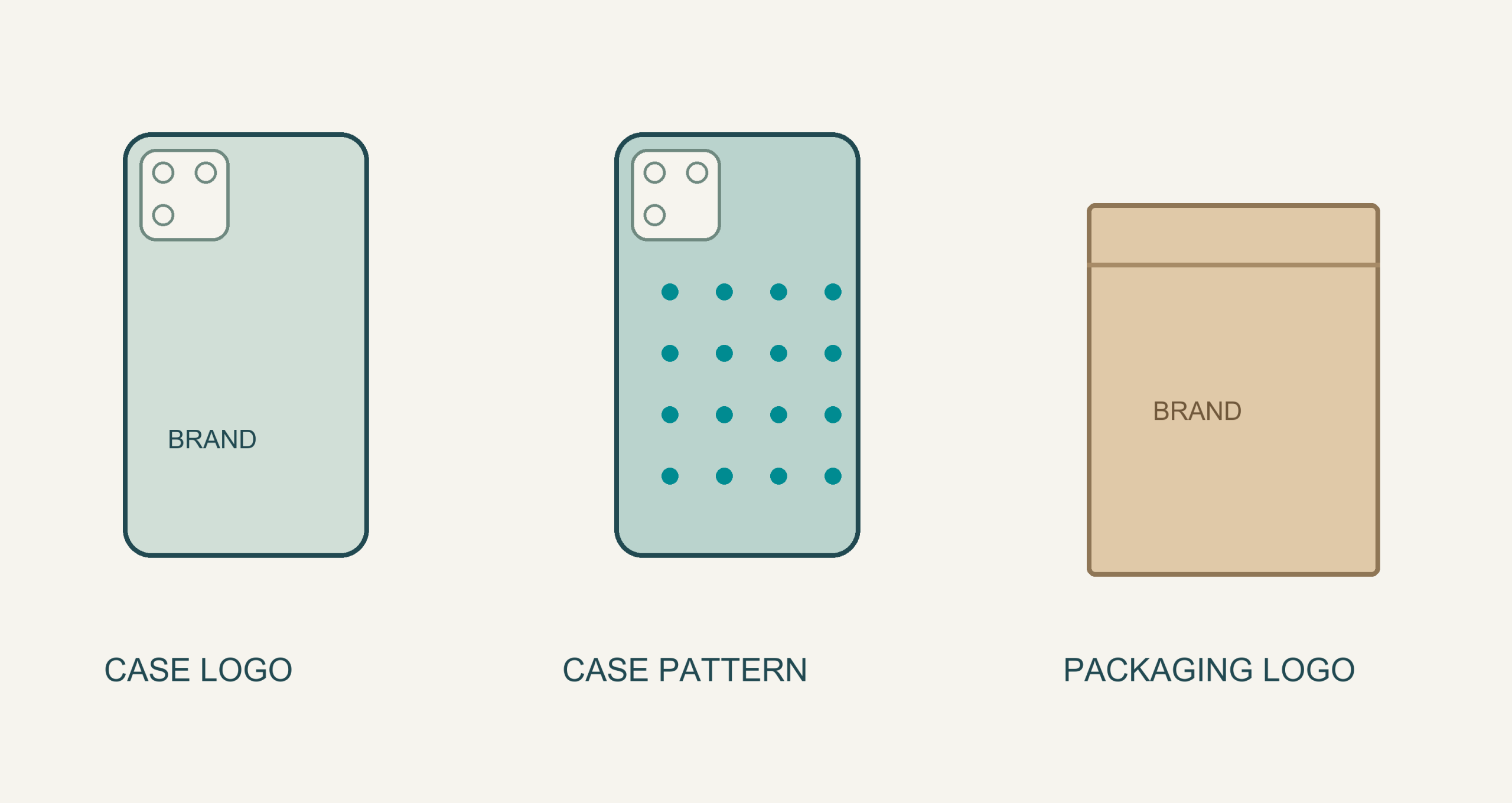
- Case logo: a brand mark or text on a defined case panel. Identify the component, position, dimensions, color and desired appearance.
- Pattern customization: repeated or larger artwork on the case. Confirm coverage, background, print boundaries and whether it replaces an existing design. Pattern support does not establish edge-to-edge or wraparound capability.
- Packaging logo: branding on a bag, box, sleeve or insert. Confirm the actual pack format first, then its artwork template, labels and assembly. A branded package does not mean the case inside is branded.
A useful order line: exact case model + case color + artwork revision + decoration scope + quantity. Keep a separate packaging line when its version or quantity differs. Kejie’s private-label guide explains how these items form one repeatable range.
Confirm the method against the actual outer surface
Material names are a starting point. The coating, texture, flexibility and accessible panel determine what must be reviewed. In a hybrid case, identify which component receives the mark.
| Product surface | Confirmed starting point | Ask before sampling |
|---|---|---|
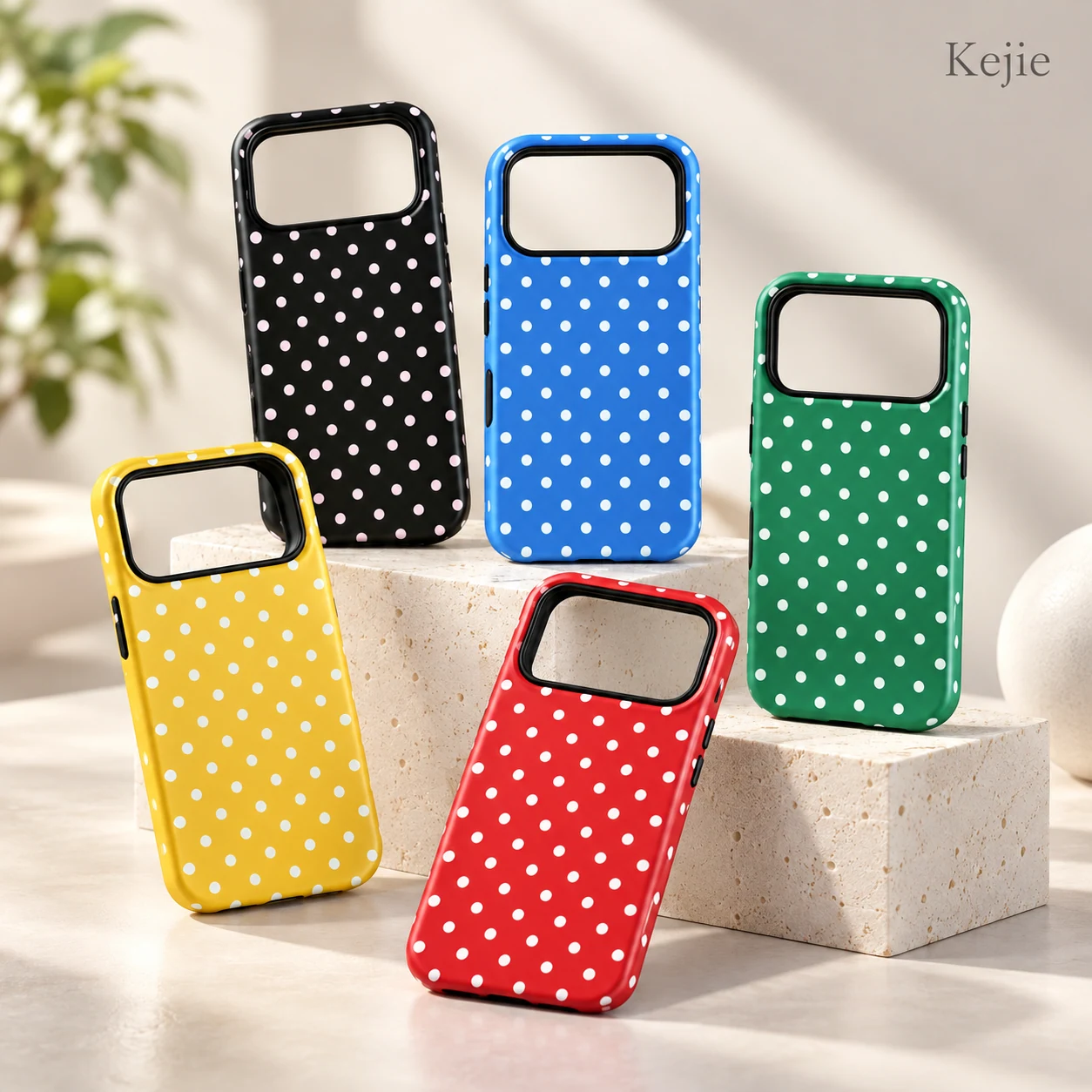
| TPU + PC polka dot platform | Custom printing and ODM | Printed component, process, background opacity, artwork coverage and minimum readable detail. |
| Silicone + PC solid-color platform | Logo/text, pattern and packaging customization | Outer finish, compatible application method, adhesion and behavior when the case flexes. |
| PU card-holder platform | Hot stamping printing and OEM/ODM | Coating/grain, mark appearance, location clear of stitching/folds, and surface response on a decorated sample. |
For these products, “custom printing” does not identify a specific UV or screen-printing method. The PU product explicitly names hot stamping; confirm the finish and details for your design. Laser marking, embossing and other requested effects need a separate capability review rather than an assumption based on the material.
Use a real Kejie platform to make the discussion specific
The TPU + PC product shown at the opening is the print-led reference. These alternatives put the same logo brief onto different surfaces:
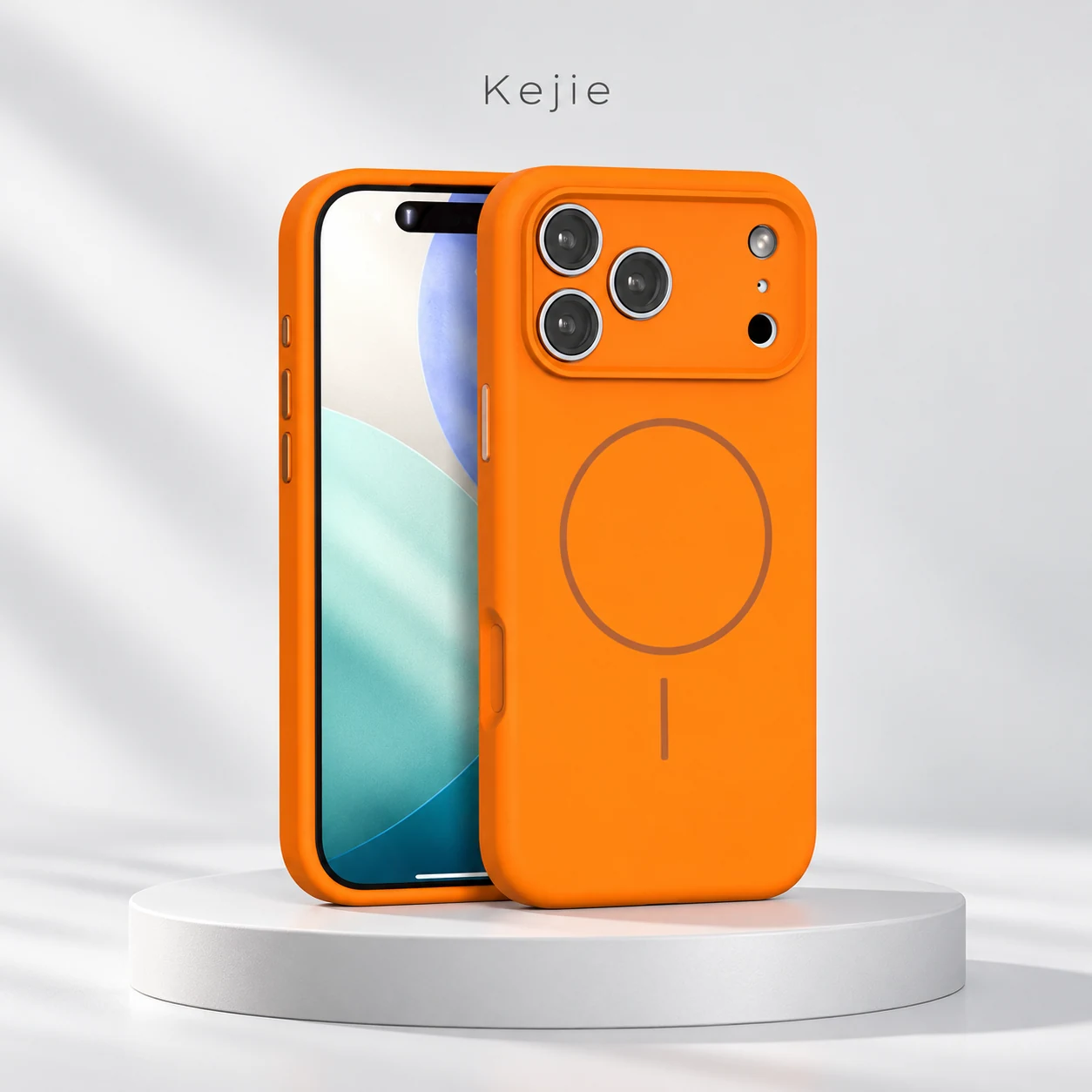
Customized Silicone + PC Magnetic Shockproof Case for iPhone 17 Series
Use it for: a coordinated case/logo/pattern brief with packaging reviewed separately.
Confirm: exact model, decoration method, case color and variation split.
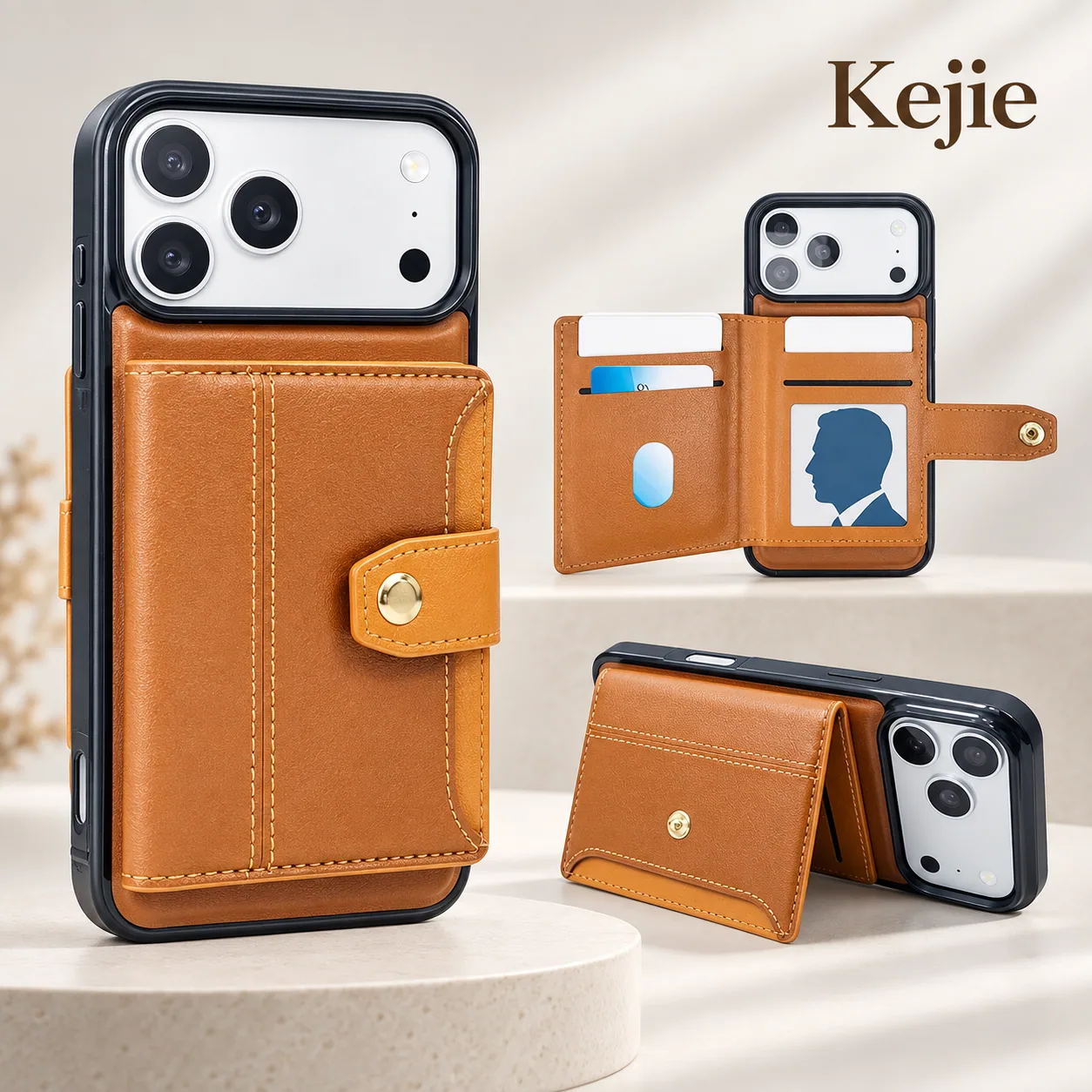
High Quality PU Leather Card Holder Shockproof Phone Case for Samsung Galaxy A Series
Use it for: a hot-stamping discussion on a PU platform.
Confirm: panel size, grain/finish, stamp detail and clearance from pocket edges.
Prepare one artwork packet with four parts
-
1. Master artwork and preview
Provide a vector PDF or SVG for review where available, with a visual preview. Keep the editable master, and outline lettering or identify the fonts. Confirm the accepted production file format with Kejie. For raster artwork, supply the original and intended output size so usable resolution can be assessed.
-
2. Model-specific placement
Mark final logo width/height, orientation and offsets from an agreed edge or centerline. Request the usable panel and tolerance for each phone model. Avoid camera structures, seams, folds and functional parts; a perspective mockup is not a measured placement drawing.
-
3. Color and appearance instructions
Separate case color from artwork colors. Identify flat color, metallic-looking or other requested effects, plus any transparency or gradient. Ask which fine strokes, small letters or background details need adjustment. Approve physical color/finish under agreed viewing conditions.
-
4. Packaging and version list
Use the confirmed packaging template and separate files for its logo, model labels, barcode and insert where applicable. Keep artwork revision names tied to the SKU list. Confirm logo-use rights and agree a confidential sharing route for restricted files.
Check the sample before approving the order
01 / Artwork and placement proof
Check: exact device, artwork revision, dimensions, color instructions and scope.
Release condition: the proof matches the intended specification. Correct missing files or placement conflicts before making the decorated sample.
02 / Physical decorated sample
Check: legibility, alignment, edges, coverage and finish on the actual case. Agree relevant rub, adhesion or flex checks and criteria. Include device fit and function if decoration can affect them.
Release condition: the required appearance and agreed checks are accepted. Record defects and request correction or resampling when they are not.
03 / Packed sample and bulk reference
Check: correct case, artwork, phone-model label, barcode reference and packaging version.
Release condition: retain the accepted sample and version list, agree inspection scope, and identify who can authorize changes before bulk production.
Keep the decision record usable
Sample ID / SKU / artwork revision / check and condition / finding with photo / approve, correct or resample / required change / recheck result / approval reference.
Changing the substrate, case color, logo size, process or phone model may change the result. Ask which changes require a new proof or sample; do not transfer approval automatically.
Confirm MOQ and timing after the scope is defined
- Separate the minimums: case per model/color, each artwork version, decoration run and packaging version.
- Separate the charges: sample, artwork/setup, unit decoration, packing and any agreed inspection. Ask what is included and what can recur.
- Separate the schedule: file review, sample preparation, revision, buyer approval, bulk production and dispatch. Ask which approvals start each stage.
Published product minimums are references for their stated configurations, not a promise for your custom order. The low-MOQ wholesale guide explains why model, color, logo and packaging splits need separate confirmation. Kejie’s OEM/ODM service page covers the broader route when the project also changes the case design.
Send Kejie a brief that can be quoted and sampled
Include product links; exact phone models; case material/color; quantity per variation; case-logo, pattern and packaging scopes; artwork revision; placement and appearance; sample checks; destination and requested timing. Mark open decisions so the quotation can identify what still needs confirmation.
Review my printing and sample requirements →
The useful endpoint is an approved decorated product and a matching order specification—not simply a logo file received. Keep the case, artwork and packaging references aligned when you reorder.
 English
 Español de Argentina
 Русский
 Italiano
 日本語
 한국어
 العربية
 Français
 Deutsch